One Hotkey
Press once to open, again to hide. Summarize instantly from clipboard text.
Instant AI summaries & explanations for any selected text.
Status: Official 1.0 Release ✦ macOS & Windows
Why ClipAI?
Reading something dense and just want the gist - fast? ClipAI pops up exactly where you are, grabs your current clipboard text, and processes it with AI to give you a summary or explanation. No browser switching. Low friction = you actually use it.
Core Features
Press once to open, again to hide. Summarize instantly from clipboard text.
Supports OpenAI, Gemini, Anthropic, Groq, Grok via OpenRouter. Bring your own keys.
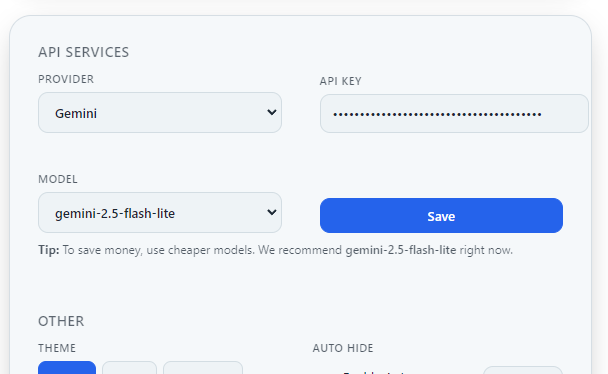
No telemetry, no analytics. API keys stored locally only.
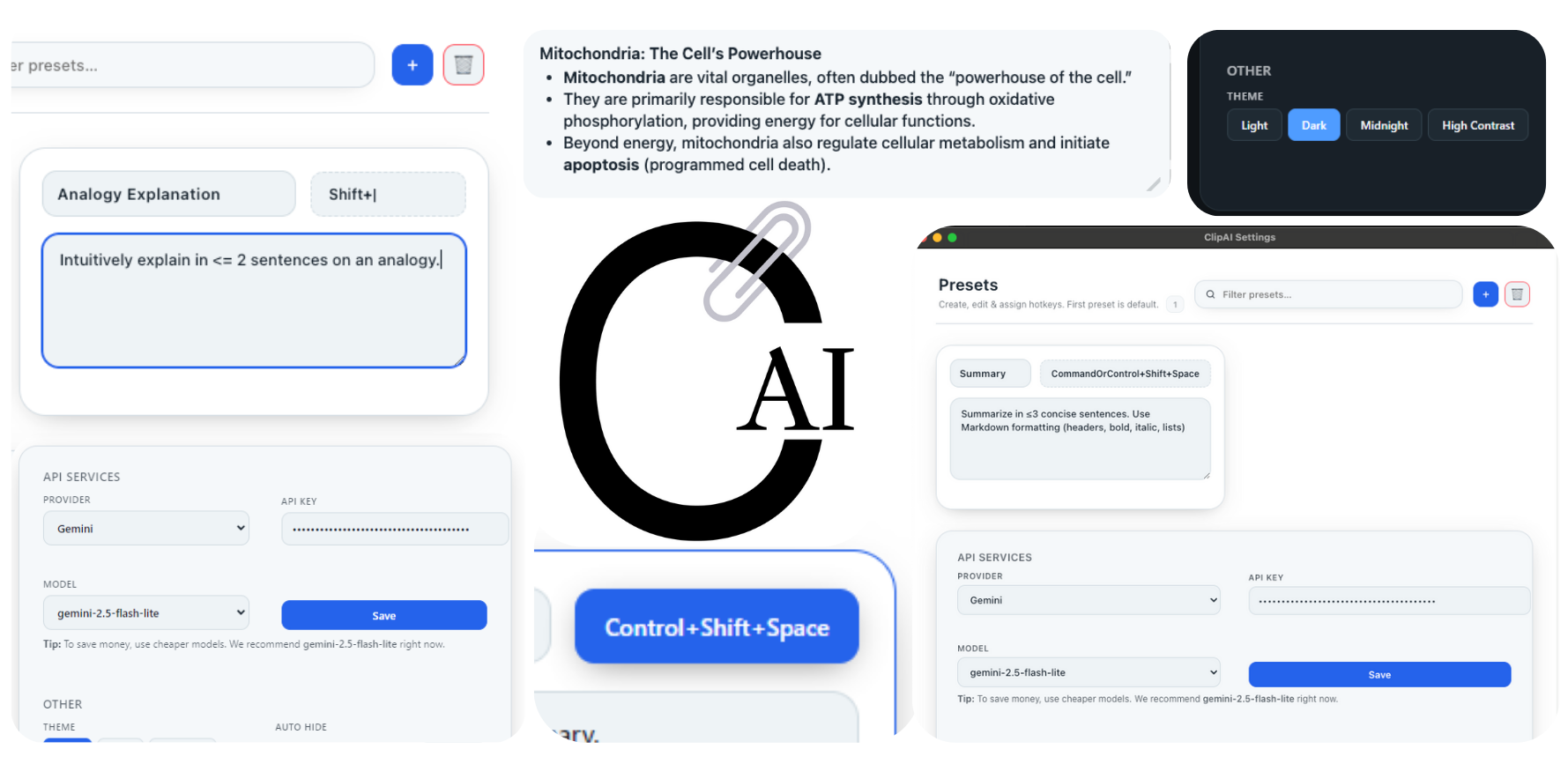
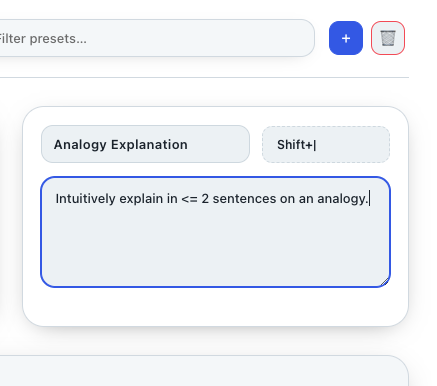
Use defaults or create your own summary/explanation styles.
Light, Dark, Midnight, Forest, Rose, Amber, High Contrast. Flexible Markdown modes.
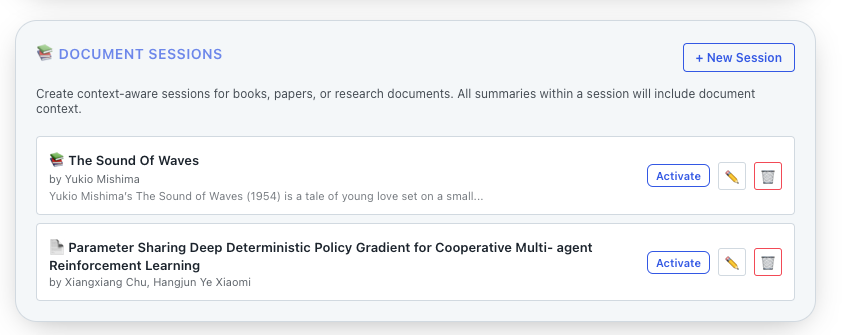
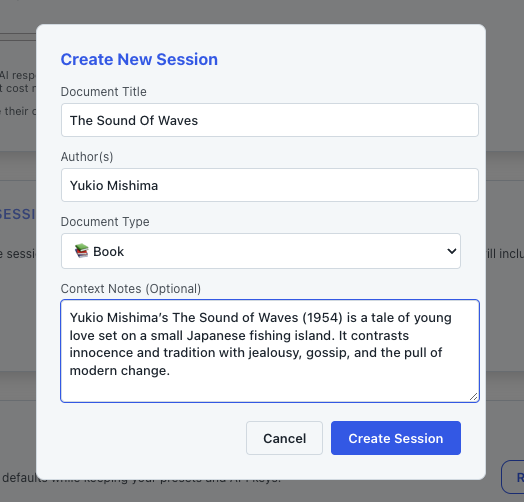
Create sessions for books, papers, and long reads. Add title/author, keep notes, and improve summary context.
What's New in ClipAI v1.1.0
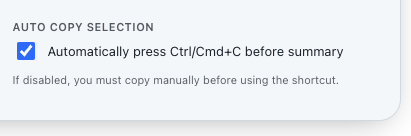
ClipAI now grabs your selected text automatically—no manual copy needed.
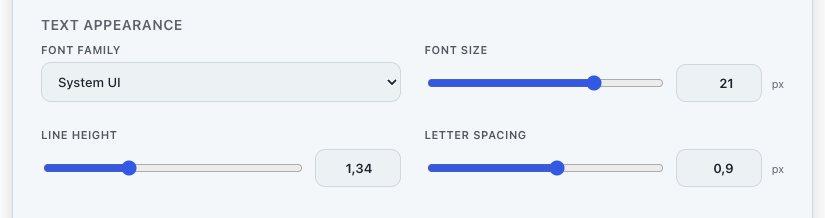
Adjust font family, size, weight, line height, and letter spacing for better readability.
Create sessions for books, papers, and long reads. Add title/author, keep notes, and improve summary context.
See the full changelog for details.
App Preview
Download
xattr -dr com.apple.quarantine /Applications/ClipAI.app
Windows may show a SmartScreen prompt; choose “More info” → “Run anyway”.
Support Development
If you like ClipAI, consider supporting future updates.
